When a potential customer lands on your website, they make a subconscious decision about your business in less than a second. Before they read a single line of your copy or look at your pricing, they are judging your credibility based entirely on design.
A sleek, premium design signals that you are an established professional who cares about quality. On the flip side, a website riddled with common design blunders screams "amateur" - instantly destroying user trust and turning away valuable leads before they ever reach out.
“First impressions are entirely visual in the digital landscape. A website that looks messy, cluttered, or outdated forces users to assume your actual business operations share those same flaws.”
The good news? You don’t need a massive corporate budget to fix this. Transforming your site into a polished digital storefront often comes down to removing subtle friction points. Here are five incredibly common design mistakes that make websites look unprofessional, along with the simple tweaks to correct them.
1. Using Blurry, Generic, or "Cheesy" Stock Photos
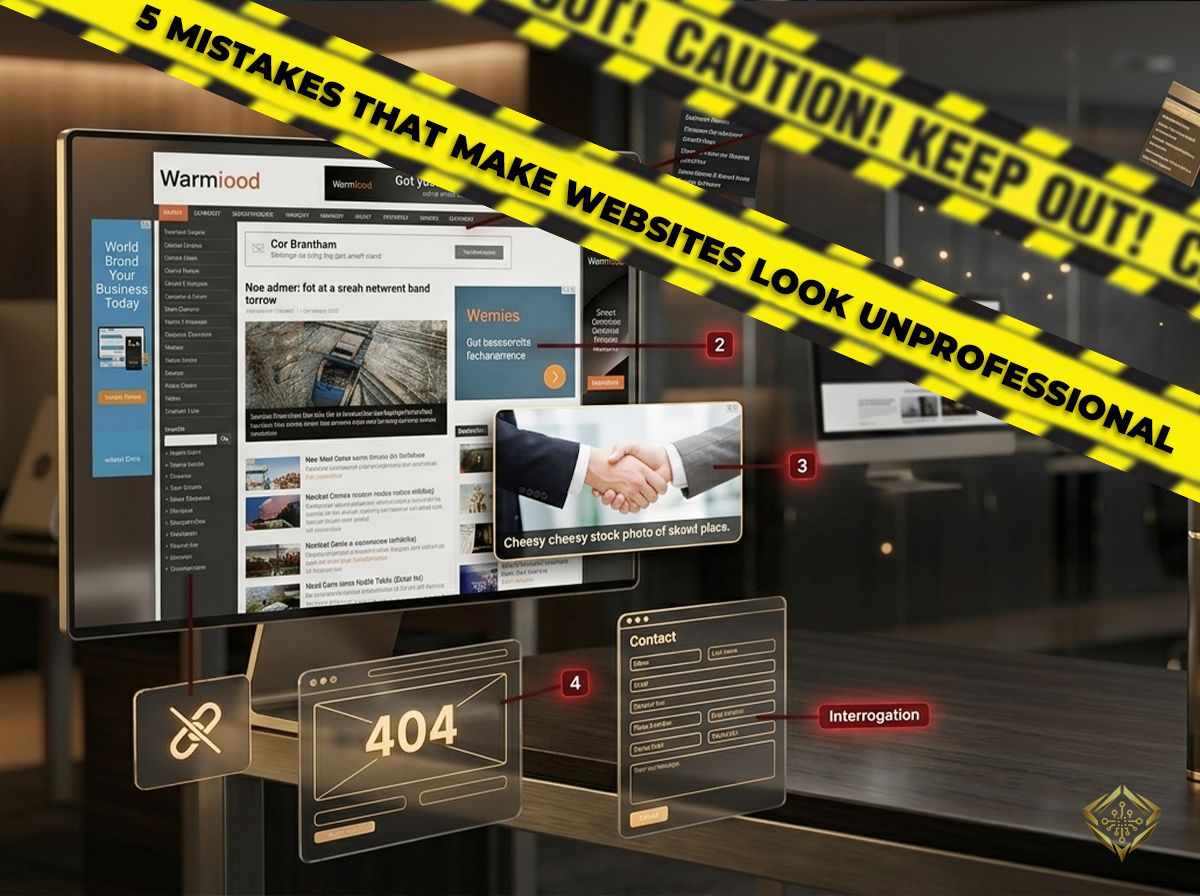
We all know them when we see them: two perfectly manicured corporate actors in bright suits, smiling aggressively while shaking hands in a sterile white room. These generic stock images look dated and signal to your visitors that your business lacks authenticity.
Even worse are low - resolution, stretched, or pixelated images. When graphics are distorted to fit a layout space they weren't intended for, it compromises the entire visual integrity of the page.
The Fix: Use authentic, high - quality photography whenever possible to tell your real brand story. If you must use stock platforms, look for natural, candid photos that feel like real life. Keep them crisp, clear, and perfectly proportioned.
2. Text Crowding and a Lack of "White Space"
When business owners build a website, they often try to cram as much information as possible onto the screen. They pack paragraphs tightly together, squeeze sidebars next to text, and leave absolutely no empty room.
In professional web design, empty space is called **white space**, and it is one of your most valuable assets. Without it, a website looks chaotic, overwhelming, and highly disorganized. Empty space is not "wasted" space; it serves as essential breathing room.
- Let Content Breathe: Add generous, intentional spacing between your text sections and main layouts.
- Improve Scannability: Keep your paragraphs short (two to three sentences max) to ensure easy reading on mobile devices.
- Guide the Eye: Use structural margins so the user's focus flows naturally down the page without mental fatigue.
Tired of Your Website Missing the Mark?
Professionalism is in the details. I follow a rigorous, proven development process to ensure every site I build is fast, polished, and built to convert - avoiding the common pitfalls that hold your business back.
Review My Development Process3. A Chaotic Mix of Too Many Fonts and Colors
An amateur website often looks like a box of crayons exploded on the screen. Using four different font styles, multiple bright accent colors, and varying text sizes creates instant visual confusion.
Professional brands rely on strict visual boundaries. Top companies stick to two main colors and one or two distinct fonts across their entire digital presence. This creates a predictable, clean hierarchy that feels incredibly high - end.
Bonus: The "Agency-Level" Polish Suite
Stop settling for "okay." The biggest mistake amateurs make is flat, static design. I'm gifting you my Sophisticated Glow-Up component. This uses glassmorphism and a subtle hover-glow to turn a boring card into a premium UI element. Copy-paste this to instantly elevate your site's "feel."
/* The High-End "Glass" Effect */
.premium-card {
  background: rgba(255, 255, 255, 0.03);
  backdrop-filter: blur(10px);
  border: 1px solid rgba(255, 255, 255, 0.1);
  transition: all 0.4s ease;
}

/* The "Expensive" Hover Glow */
.premium-card:hover {
  box-shadow: 0 0 30px rgba(212, 175, 55, 0.3);
  border-color: var(--accent);
}
4. Microscopic, Hard - to - Tap Buttons and Links
Have you ever visited a website on your phone and spent ten frustrated seconds trying to tap a tiny link, only to accidentally click on the wrong element? When buttons are too small, too thin, or squeezed too closely together, your user experience plummets.
In 2026, professional web design is highly tactile. Elements need to look and feel easily interactable. If a user has to zoom in just to interact with your site, the design is actively working against your business goals.
The Fix: Make your buttons large, bold, and obvious. Ensure there is plenty of physical padding around every clickable link so that a user’s thumb can easily interact with it without hitting an adjacent element by mistake.
5. Outdated Badges, Animated Elements, and Cluttered Footers
Many websites still feature relics from the early web: flickering "Secure Checkout" badges that look fake, automated clip - art graphics, or footers packed with massive, messy keyword lists designed for outdated search practices. These elements look cheap and untrustworthy to a modern consumer.
The Fix: Strip away the visual junk. Clean up your website's footer so it only includes essential navigation links like your contact info, privacy policy, and social handles. Let your actual layout quality, clear client testimonials, and clean HTTPS secure padlock build trust naturally.
Final Thoughts
Transforming your website from amateur to professional doesn't require complex coding magic; it requires **restraint**. By cleaning up your imagery, opening up your layout space, streamlining your typography, and focusing on a smooth touch experience, you instantly elevate your brand.
Take a look at your homepage today with fresh, critical eyes - which of these five areas could use a quick design cleanup to protect your brand authority?
Join the Discussion (0)